Assessments (the Enecolor test)
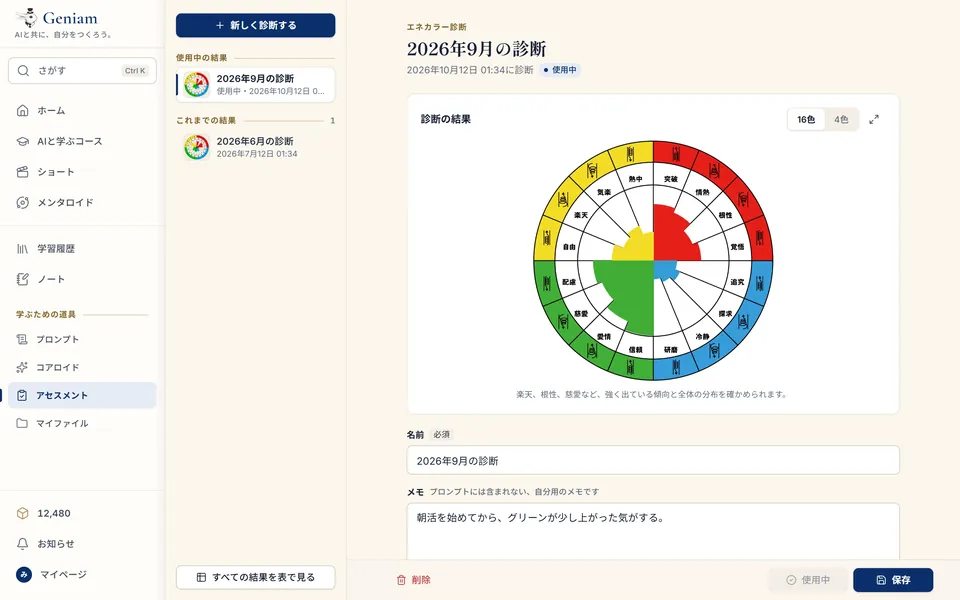
Answer 32 questions by instinct, and learn your traits and strengths. It takes about three minutes. Results are saved so you can compare them, and some episodes use your result.
Features
Discover, talk, keep, know yourself. The tools for learning, all in one place.
Swipe up and down through videos one to three minutes long. When one interests you, go straight to its teacher or the full course.
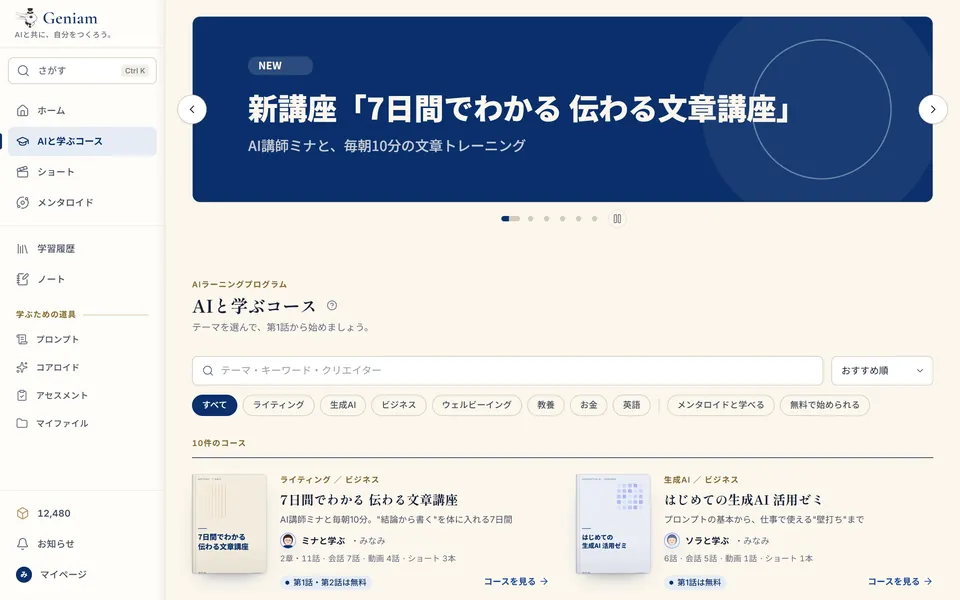
Search by keyword or category, and narrow down to courses with an AI teacher or courses that are free to start. Sort by recommended, newest, most episodes and more.
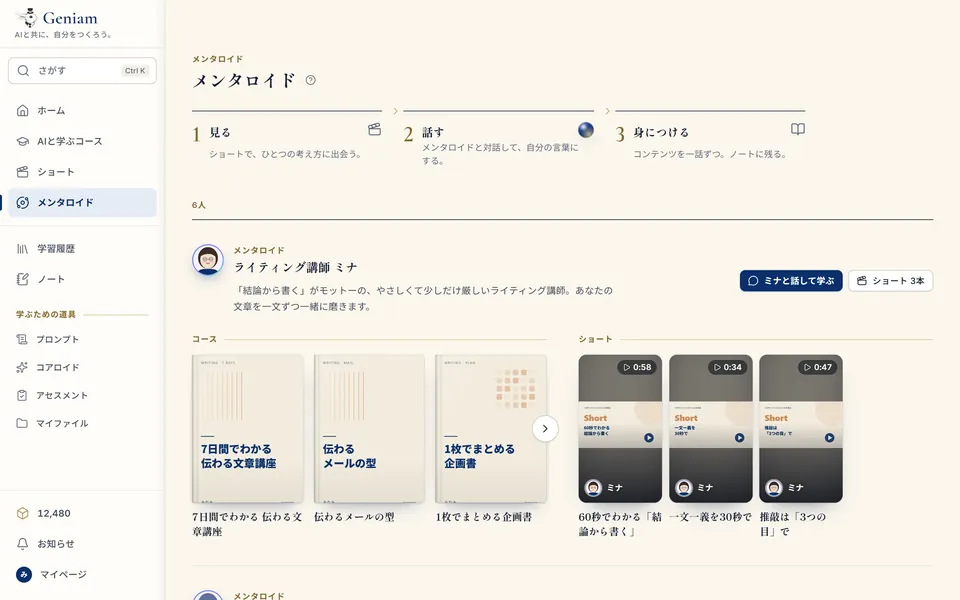
Each teacher, with the courses and shorts they teach.
Find courses, episodes and creators by keyword, fast. On a computer, Ctrl+K (⌘+K on a Mac).
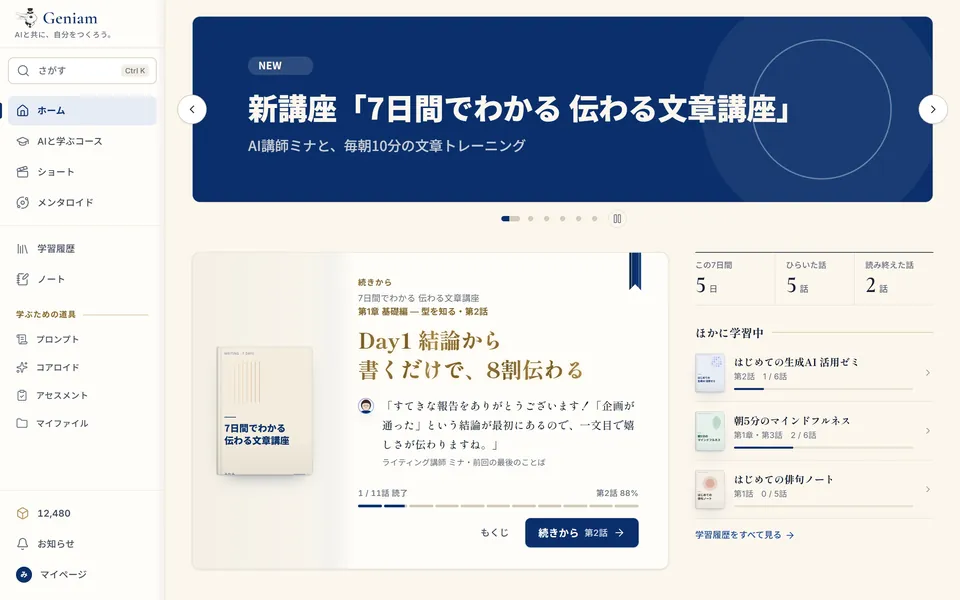
Courses and features in the spotlight, on your home screen.
When a creator you follow publishes a new course, you see it on your home screen.
The teacher asks a question, reads your answer, and gives you comments and your next step.
Read aloud in the teacher's voice. On or off, and at the speed you like.
Speak into the microphone to answer. The microphone can also turn on when the teacher finishes speaking.
Click to go on / Moves on by itself / Skip ahead.
Questions where you pick one, and questions where you put things in order.
View the slides in an episode, and download them as a PDF.
Depends on the creator's settings.
Episodes you learn by video, in the same table of contents.
Full screen when you want to focus. You can also share an episode with others.
Keep what you notice, in two ways: pages and a canvas.
The courses you are taking, your last seven days and your recent episodes. Continue at once.
Share your conversation with the teacher as a read-only link.
Files you made during episodes, sorted into folders and ready to download.
A mark on the episodes you finished, with the time you spent and the replies you wrote.
Answer 32 questions by instinct, and learn your traits and strengths. It takes about three minutes. Results are saved so you can compare them, and some episodes use your result.
Build a Roid (an AI) of your own: its name, icon, speech bubble, the prompt behind how it talks, its voice and its expressions. You can also bring your Coreroid into episodes you are invited to.
Save the requests you use often, and call them up at once in any episode.
Choose Mincho (serif), Gothic (sans-serif) or Auto. Headings stay in Mincho; lists, tables and code always use Gothic.
"As it arrives" lets you read ahead of the voice. "With the voice" shows the words as they are spoken.
While the teacher speaks, a light follows the voice. Choose On, Calm or Off. If your device is set to reduce motion, it calms down by itself.
Every feature works on both.
The screens can be shown in 日本語, English or Tiếng Việt.
The language of a course depends on the creator who made it.
Typeface
How text appears
Glowing text
AI teacher
Try explaining it to someone, and you will see what you have not understood yet.
A sample of how the screen looks.
With an email address or a Google account.
Your own page with your name, icon and a short introduction. When you edit your profile, what others will see is shown separately.
From My page. Your data, such as your history and notes, is deleted.
Courses where you can try Episode 1 for free, and "Free today" episodes.
One episode at a time, a chapter at a time, or the whole course together. A confirmation screen always appears before you buy.
"Free (paid by the creator)" or "Pay for what you use", shown on the episode's start screen.
Valid for six months from the day you buy them. The ones closest to expiring are used first.
Check what you bought and used, and when your cubes expire, at any time.
Send cubes to the creator of a course that stayed with you.
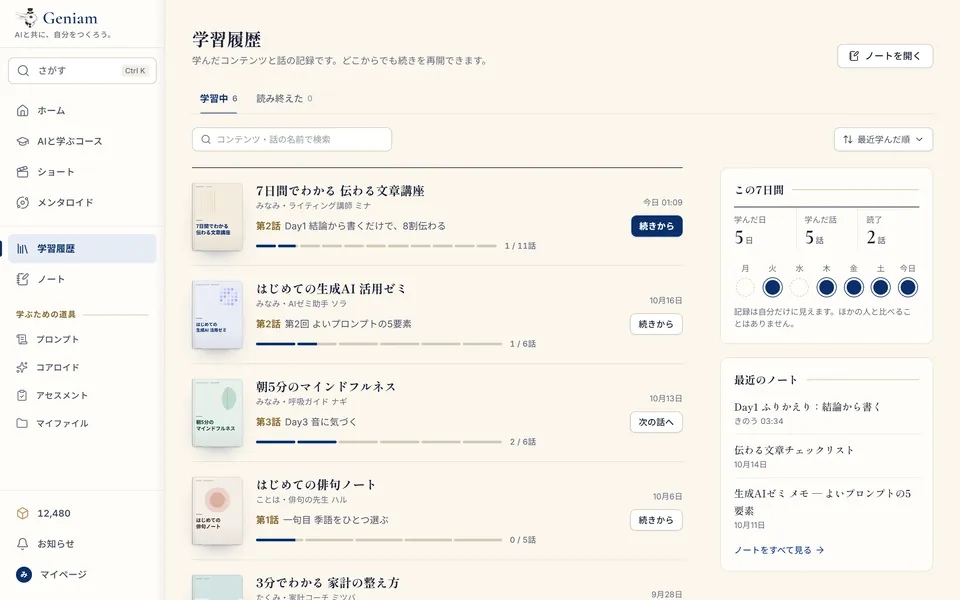
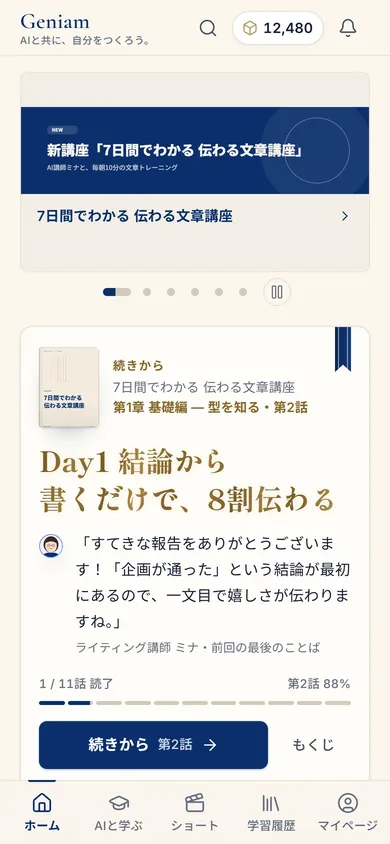
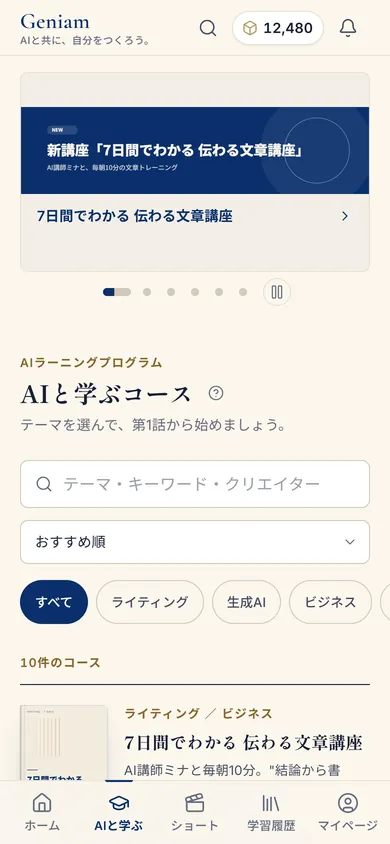
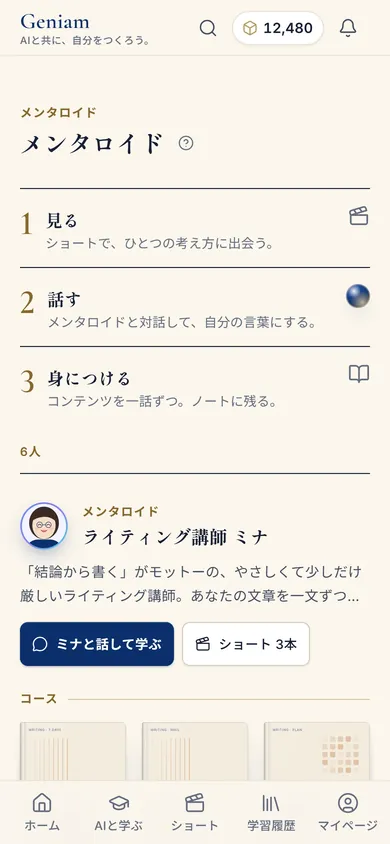
Screens are samples (shown in Japanese).
Open it every day, even for five minutes, and learning becomes a habit.
Generate who you are.
Begin with the episodes you can try for free.